I did notice the edge flickering artifacts with upscaling. XeSS is a bit higher quality than TSR but it also has the flickering. FSR framegen causes the flickering to happen on some particle effect that they use for atmosphere effects (like pieces of dust floating in the air) so it isn’t very usable currerntly.
The game isn’t perfect, but it’s very playable for me after some settings adjustments. I didn’t have any crashes in 5.5 hours of playtime, but I did notice the shader compiling stutter and there were some spots where you could tell that it was loading a zone if you walked over a specific point and I was in combat at the time so I ran across that point a few times and that caused some framerate issues.
A HUGE amount of the stuttering was eliminated by setting the Textures Streaming Speed to Very High, it looks like this is throttling disk IO for performance reasons. If you have an NVME SSD then I can’t think of a reason not to set it to reason not to set it to very high.
That’s good to know that Steam co-op works. I’ll try it later today, my friends are all running Linux too and didn’t want to buy a copy if it wasn’t going to work. I happened to be home yesterday so I was the guinea pig.
I tried updating the DLSS version (using PROTON_ENABLE_NGX_UPDATER=1), the flickering still occurs. Same with using RENDER_PRESET_K. It almost looks like they’re applying too much sharpening when you’re using DLSS, but I don’t see a way to adjust that specifically.
AFAIK: PROTON_ENABLE_NGX_UPDATER=1 doesn’t update the dlss version/dll files, just some game-specific profile settings. You’d still need to replace the .dll files if you want newer/different dlss files.
it gets weird when there’s multiple software layers. each one has their own env’s, dxvk, proton, nvidia, and then there’s the few random 3rd party ones (eg. libmimalloc if you want to tinker with memory allocation options)


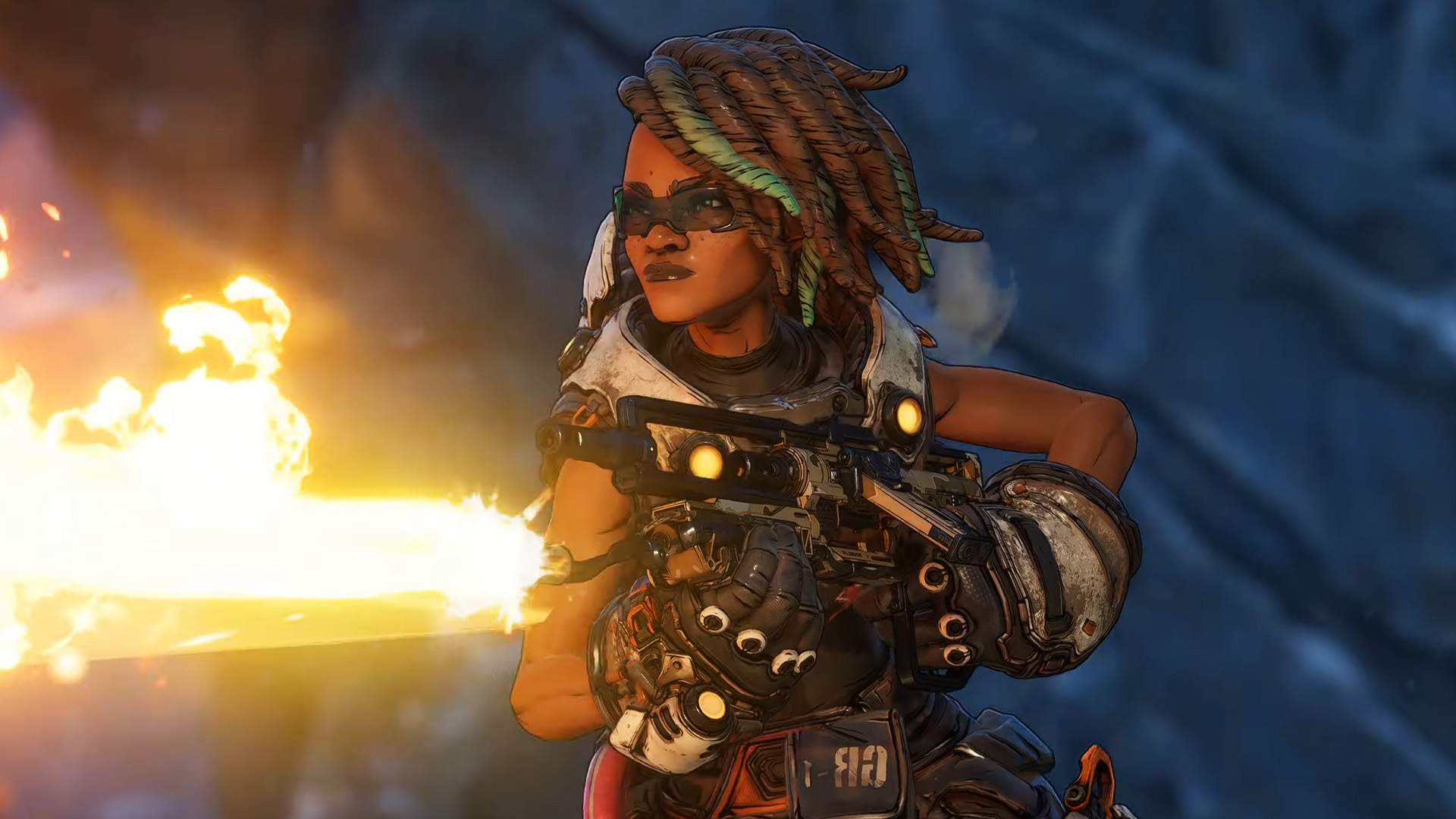
Using GE-Proton10-15, HDR works great too.
I did notice the edge flickering artifacts with upscaling. XeSS is a bit higher quality than TSR but it also has the flickering. FSR framegen causes the flickering to happen on some particle effect that they use for atmosphere effects (like pieces of dust floating in the air) so it isn’t very usable currerntly.
The game isn’t perfect, but it’s very playable for me after some settings adjustments. I didn’t have any crashes in 5.5 hours of playtime, but I did notice the shader compiling stutter and there were some spots where you could tell that it was loading a zone if you walked over a specific point and I was in combat at the time so I ran across that point a few times and that caused some framerate issues.
A HUGE amount of the stuttering was eliminated by setting the Textures Streaming Speed to Very High, it looks like this is throttling disk IO for performance reasons. If you have an NVME SSD then I can’t think of a reason not to set it to reason not to set it to very high.
That’s good to know that Steam co-op works. I’ll try it later today, my friends are all running Linux too and didn’t want to buy a copy if it wasn’t going to work. I happened to be home yesterday so I was the guinea pig.
I tried updating the DLSS version (using PROTON_ENABLE_NGX_UPDATER=1), the flickering still occurs. Same with using RENDER_PRESET_K. It almost looks like they’re applying too much sharpening when you’re using DLSS, but I don’t see a way to adjust that specifically.
AFAIK: PROTON_ENABLE_NGX_UPDATER=1 doesn’t update the dlss version/dll files, just some game-specific profile settings. You’d still need to replace the .dll files if you want newer/different dlss files.
https://github.com/jp7677/dxvk-nvapi/wiki/Passing-driver-settings#ngx-snippet-updates-and-preset-overrides - at least the documentation here only talks about some snippets that envvar allows updating
Ah, I didn’t RTFM completely. I just read a snippet that mentioned the NGX updater and misunderstood the context.
I’ll give it a shot, thanks.
tbh, I did the exact same thing, but came across that documentation today and realized my error… :P
hope it works!
So many envs and no central documentation makes it hard to handle for everyone.
it gets weird when there’s multiple software layers. each one has their own env’s, dxvk, proton, nvidia, and then there’s the few random 3rd party ones (eg. libmimalloc if you want to tinker with memory allocation options)
it gets messy.
I noticed CachyOS’s wiki has a lot of the current relevant envs here: https://wiki.cachyos.org/configuration/gaming/
ooh, that’s a good list! Thank you for pointing it out! Bookmarked with violent intent.