
I recently bought a R4 cartridge so that I could use my original Nintendo DS to dump all of my GBA cartriges. Overall the goal is to have backups of all of my old saves and use them in emulators on other devices.
The dumps worked successfully from what I can tell, and I have all the .gba and .sav files backed up in a couple of locations. I’m also currently using RetroArch with the mGBA core for GBA emulation. I tried loading up save files for a couple of games, but RetroArch didn’t recognize any of the saves.
I’m aware that RetroArch uses .srm files for GBA saves, not .sav, so I did rename the extensions. I have a couple of old mGBA .sav files for ROMs I got… elsewhere a few years back and that had worked for those saves. But unfortunately that method doesn’t seem to work with original .sav files. RetroArch just starts up as if there was no preexisting save file and overwrites what’s there.
I’ve searched online and tested for a couple of hours now and I don’t know what I’m doing wrong. I’m hoping at least one of you knows off the bat and is willing to explain. Any help is appreciated.
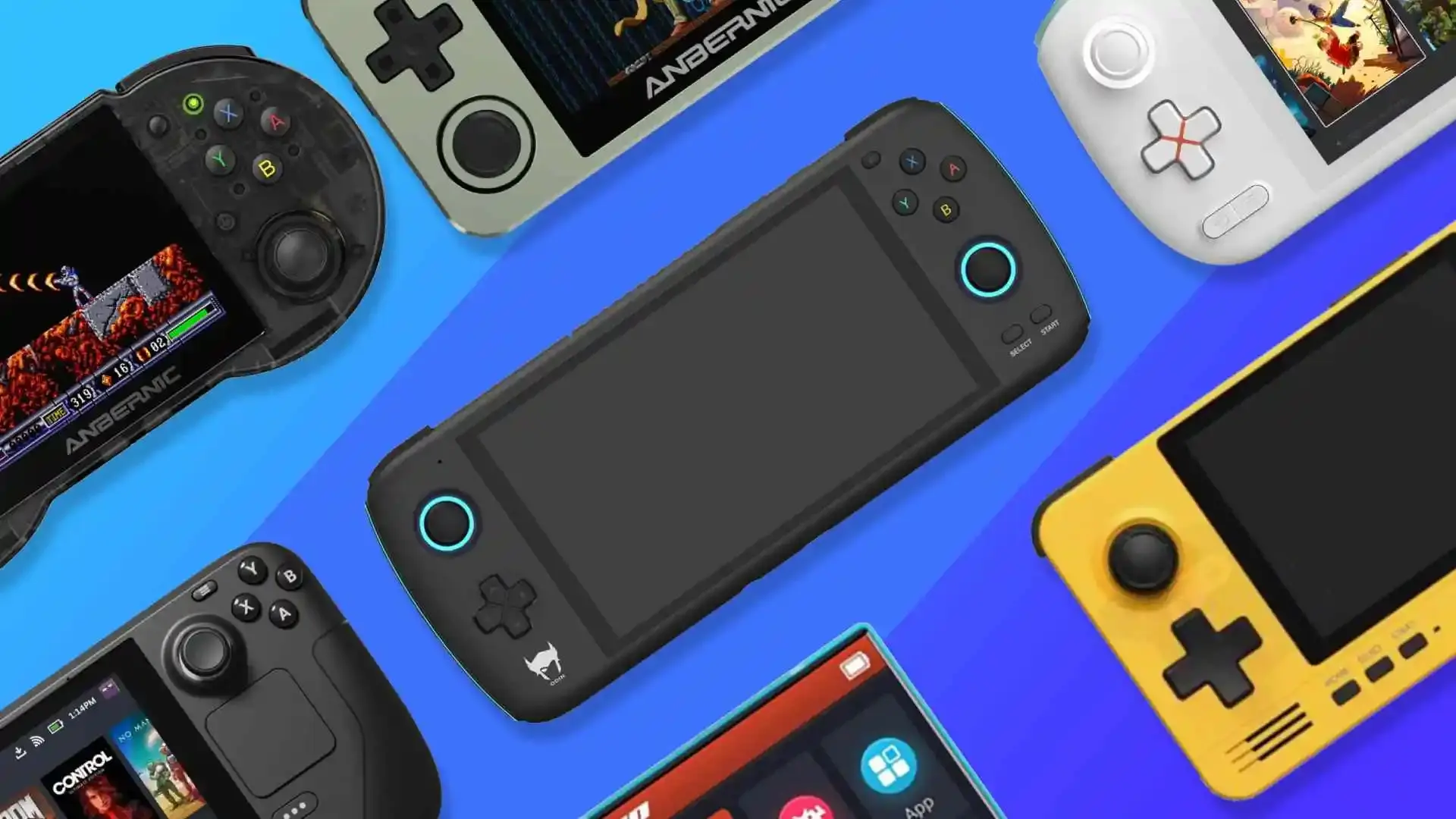
EDIT: After some more testing I figured out the problem. It turns out to be a limitation of whatever file system is used in Android, which doesn’t easily allow you to overwrite files when moving or saving into a new folder. I didn’t spot this due to doing the testing on an AYN Thor. Here’s the workaround that should work in this case on Android:
- Install/setup RetroArch on both the device you want to play with (presumably an Android device) and a PC running Windows or Linux.
- Install SyncThing on both systems (there’s guides online) and sync up your RetroArch save folders. You may need to try step 3 if the save folders don’t already exist, since the folders will be auto-generated once you try that step. If you go that route, you may need to delete the save file on at least one of the devices to avoid sync errors.
- Run the ROM without a save file to generate a new .srm save file with all the needed connections. You’ll overwrite this in a later step
- Get your old GBA save file however you get it (dumping a cartridge, old .sav off mGBA, etc.). Do backups and make sure you have a copy of the save in .srm format. If you weren’t aware, you can just rename the .sav to a .srm and it’ll work 99% of the time.
- On the PC, grab the name of the .srm file in the RetroArch save folder (it will match the ROM name), and rename the old save file you want to use to match it. Copy/paste this renamed file back into the RetroArch save folder and tell it to overwrite the file.
- At this point, SyncThing should automatically update the file on the Android device so that both installs of RetroArch will now be using the older save data. Boot the game via RetroArch on both systems (NOT AT THE SAME TIME!!! IT WILL CAUSE SYNC ERRORS!) to test.
SyncThing is great for syncing files between 2 devices as long as you’re not using the file on multiple devices at the same time. I don’t see why you’d need to run the exact same save file on 2 separate instances at the same time, but it can pop up by mistake. That being said, resolving conflicts isn’t too bad since you just have to go into SyncThing and pick a version to win the conflict, and there’s settings for making backups that last up to a month.
Okay. Well good luck with your issue