

Hello,
this is a copy+paste of a discussion I posted on Reddit a couple of days ago.
For those 4 of us who are using or are going to use the new Steam Controller under GNOME Wayland, you are probably aware that Steam is a X11 application running on a Xwayland layer, and when the Steam Controller driver tries to access to the mouse control, the Wayland desktop raises the permission request to the user.
Therefore you will be greeted by this popup window here any time you turn the Steam Controller on:
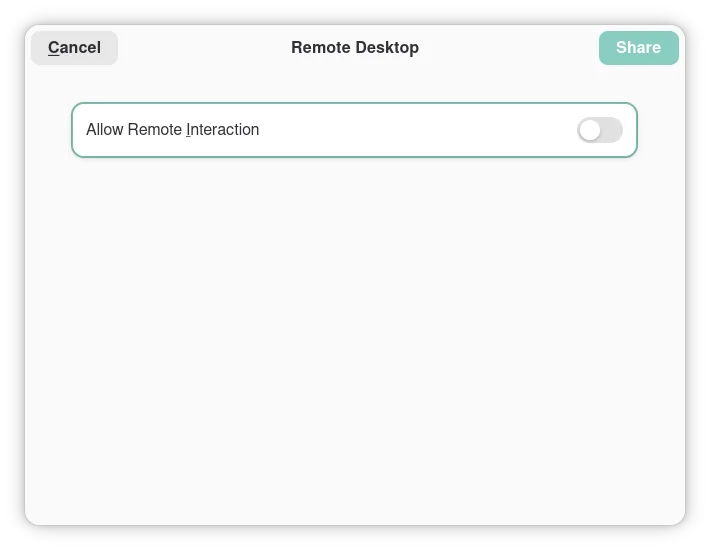
By allowing the Remote Interaction, the Desktop behaviour of the Controller will work. If you, like me, consider this popup window annoying, consider the preload of the library Extest (https://github.com/Supreeeme/extest), which would provide an override to that permission flag when required.
The real solution would be to GNOME to enable a persistence of the permission settings for specific apps, or to Steam to move to a Wayland app. You all 3 know that neither of them would happen in the next 10 years at least.
By confronting with people in the comments, I found out that the same issue happens on other Wayland DEs such as Plasma, even though Plasma has a central option to turn off the permissions check, but the OS heavily recommends that you don’t turn it on due to it being a potential security vulnerability (because it is). A better solution could be to keep the same permission settings for a count of executions of the same application, or with a time limit.
Thank you for this, I was researching it again recently